Is Calculator Allowed in GATE Exam? No Physical - 2027 Rules
By Meet Dhanani · Published: 10 July 2026 · Updated: 15 September 2026

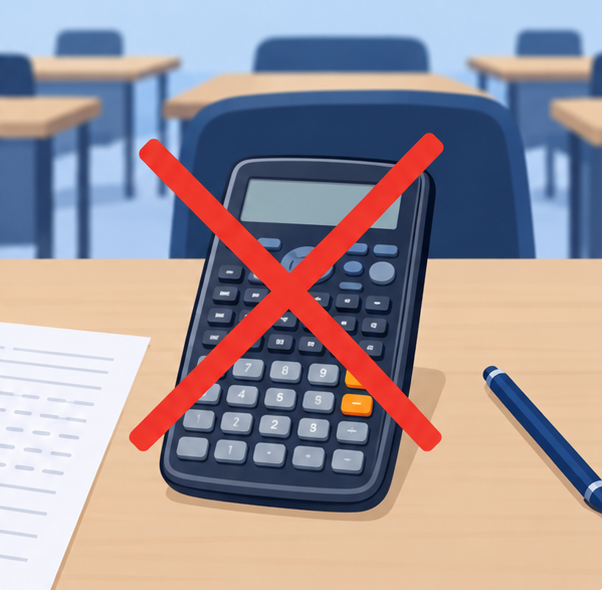
Physical calculators are completely banned in the GATE exam. Scientific, basic, graphing - it does not matter. Bring one into the exam hall and you risk disqualification on the spot.
The only calculator you get is the TCS iON virtual scientific calculator that appears on your computer screen during the test. Every candidate gets the same calculator. No exceptions.
What Exactly Is the GATE Virtual Calculator?
The virtual calculator is a full scientific calculator built into the TCS iON exam platform. It has been part of GATE since 2016, when the exam moved to Computer-Based Testing (CBT).
It covers over 60 scientific functions including trig, logarithms, powers, roots, memory, and constants. See our full function reference for exact button sequences for every operation.
One critical detail: the calculator uses post-fix input where you type the value first, then press the function. Read our post-fix guide for the full breakdown of how this differs from physical calculators.
What You Cannot Bring to the Exam Hall
The prohibited items list is strict. No physical calculators of any kind. No mobile phones, smartwatches, or electronic devices. No pens or pencils (a scribble pad is provided). No personal rough sheets. No books or notes.
What you can bring: your GATE admit card and a valid photo ID. That is the complete list.
Mouse-Only Input During the Exam
The keyboard is disabled for the virtual calculator during the actual GATE exam. Every number, every operation, every function - you click it with the mouse. This is significantly slower than typing on a physical calculator.
Students who practice with keyboard shortcuts and then face mouse-only input on exam day lose 10-15 minutes per paper just from the speed difference. The fix is simple: practice with mouse-only input for at least 30 days before the exam using our free virtual calculator.
Why This Rule Exists
Standardization. When every candidate uses the identical on-screen calculator, nobody has an unfair advantage from owning a better device. A student with a Casio fx-991EX and one with a basic calculator would have wildly different capabilities. The virtual calculator levels the field.
It also prevents cheating. Programmable calculators can store formulas, notes, and even communicate wirelessly. The virtual calculator has none of these risks.
Are Scientific Calculators Allowed in GATE?
No. Scientific calculators, basic calculators, graphing calculators - all physical calculators are banned regardless of type. Students often ask specifically about Casio fx-991 or Texas Instruments models since those are popular for engineering prep. The answer is the same: leave it at home.
The virtual calculator on your screen is a full scientific calculator with over 60 functions. It covers everything you need for the exam. Read our complete function reference for exact button sequences and what functions are missing.
Does TCS NQT Also Use This Calculator?
Yes. The TCS NQT (National Qualifier Test) runs on the same TCS iON platform and provides the identical virtual calculator. If you are preparing for both GATE and TCS NQT, practicing on our free calculator covers both exams.
How to Practice
Our free GATE Calculator is an exact replica that works on any device. Start using it for all your preparation calculations well before the exam. Read our 15 tips and tricks for speed techniques that make the biggest difference.